Cubase + Dorico · Orchestral Workflow · Creative Flow
Will — Music Chef Livestreams & Workflow Insights by Music Chef

In Pursuit of the Uninterrupted Creative Flow

For every composer who has lost an idea because their session wasn't ready at the speed of thought.

You know the feeling. An idea arrives — fully formed, or close enough. You sit down to capture it. And the session isn't ready. The template needs work. The instruments aren't responding. You spend the next twenty minutes on setup you've already done before.

What's your main tool?
Where does your workflow break?
New · The Flow

Write in Dorico. Hear it in Cubase.

In this 4-minute video

  • Change articulations, hear them instantly
  • See which articulation is playing
  • Swap in a better legato from another library
  • Record your whole score into Cubase
  • Sub-millisecond Dorico and Cubase sync
  • No expression map troubleshooting
Limited release · opens November 10 →

You’re not imagining it. There’s a reason the session keeps getting in the way.

Every composer working in Cubase and Dorico deals with some version of the same three interruptions. Here’s what they actually look like — and why they cost more than you think.

01

Cubase and Dorico Don’t Talk to Each Other

You work in both tools, but the connection between them is fragile. The template isn’t set up to move fluidly between notation and audio. Every session involves some version of rebuilding the bridge, and that rebuilding costs you the creative moment that led you to sit down in the first place.

02

Distractions and Delays

Inspiration strikes. You know what it should sound like. But getting from the thought to a playable sketch takes long enough that the moment passes. The idea recedes into the fog. In my experience, this is the most costly friction of the three — because what you lose isn’t time. It’s the idea itself.

03

Ad-Hoc Exports, Inconsistent Results

Most templates default to an ad-hoc export framework — a process that’s slightly different every time, never quite fixed. The result is that finishing a cue never really feels finished. There’s always something left to sort, and it bleeds backwards into every session that came before it.

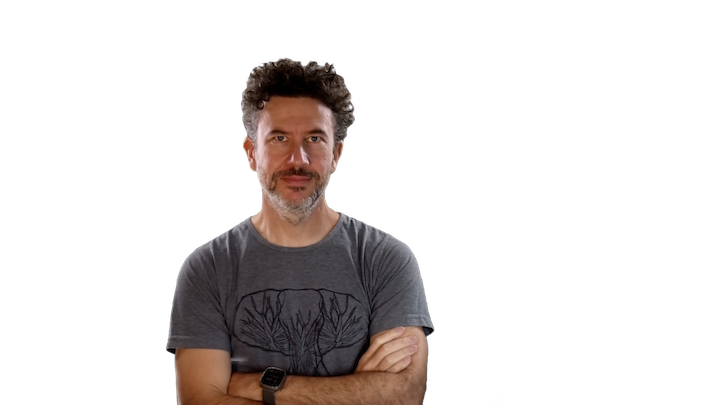
Will — Music Chef

“I was working harder – inside a difficult environment. So, I made the environment less difficult.”

Watch on YouTube →
🔴 Live Tue & Thu — join the stream

I built the Composer Toolkit to overcome 3 problems.

I’m Will — professional production music and film score composer, working in Cubase, Dorico, and Vienna Ensemble Pro. For a long time I had all the right tools and still lost ideas to my setup. Not because I didn’t know how to use them. Because nothing was built to work together at the speed I needed it to.

So, I built that. Every template, every routing decision, every expression map in the Toolkit came out of real sessions and real friction. What’s in there is what I use. And what I use is built around one principle: the environment should never be the reason the music doesn’t get made.

In my experience, that’s the thing that separates composers who stay in flow from those who don’t. Not talent. Not the libraries they own. Whether the environment is built for it.

Cubase Pro
Dorico
Vienna Ensemble Pro
Film Scoring
Orchestral Templates

The tools don’t talk to each other. Until now.

Cubase and Dorico are both exceptional. They just weren’t shipped configured to work together. Every composer starts from the same place — the same architectural gaps in MIDI routing, expression maps, and template structure. The Composer Toolkit closes those gaps. It’s the session environment built specifically for the notation-first workflow, ready the moment you unzip it.

Get the Composer Toolkit →